
 xuty
4cc85ca7fe
Translate text input to keyboard event
xuty
4cc85ca7fe
Translate text input to keyboard event
|
3 ani în urmă | |
|---|---|---|
| .github | 3 ani în urmă | |
| bin | 3 ani în urmă | |
| example | 3 ani în urmă | |
| lib | 3 ani în urmă | |
| media | 5 ani în urmă | |
| script | 3 ani în urmă | |
| test | 3 ani în urmă | |
| .gitignore | 3 ani în urmă | |
| .metadata | 5 ani în urmă | |
| CHANGELOG.md | 3 ani în urmă | |
| LICENSE | 5 ani în urmă | |
| README.md | 3 ani în urmă | |
| analysis_options.yaml | 3 ani în urmă | |
| pubspec.lock | 3 ani în urmă | |
| pubspec.yaml | 3 ani în urmă |
README.md
xterm.dart





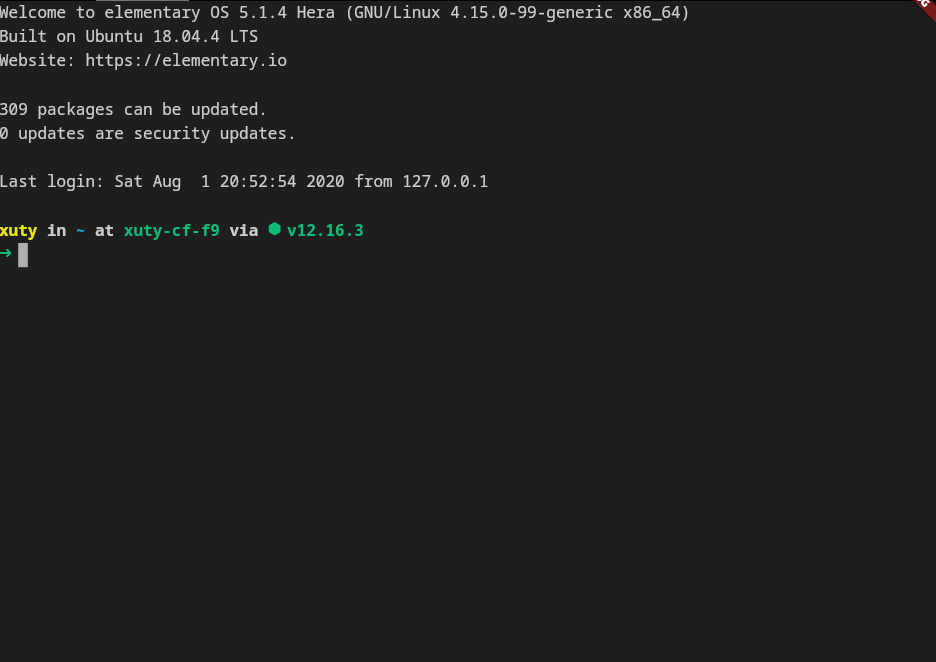
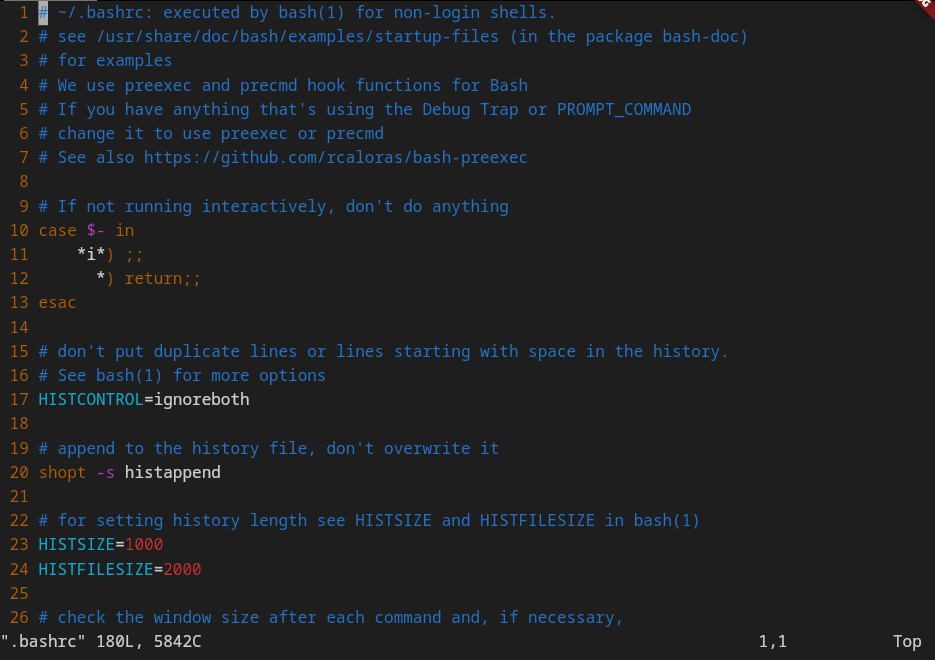
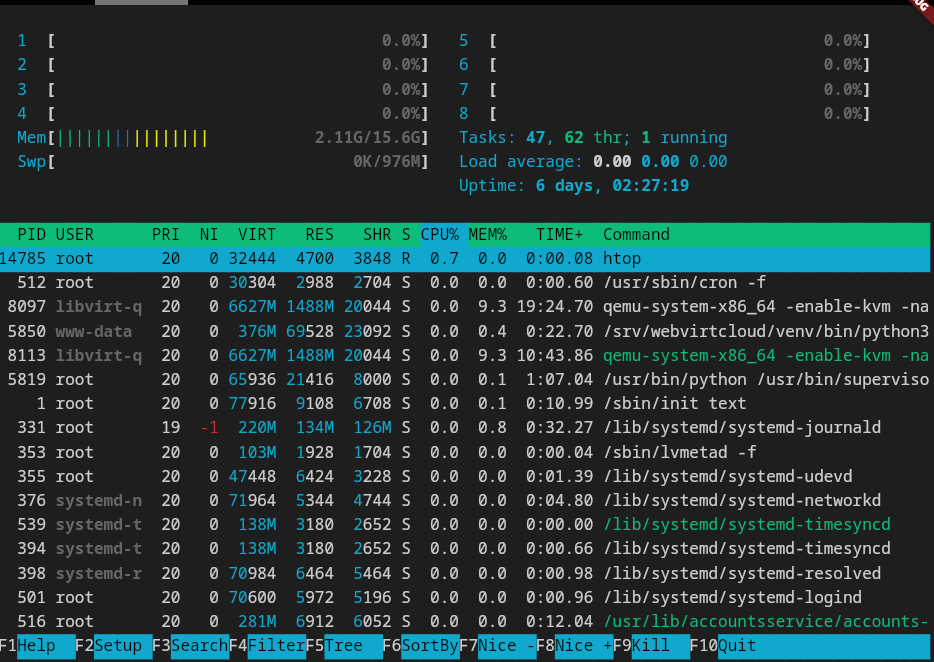
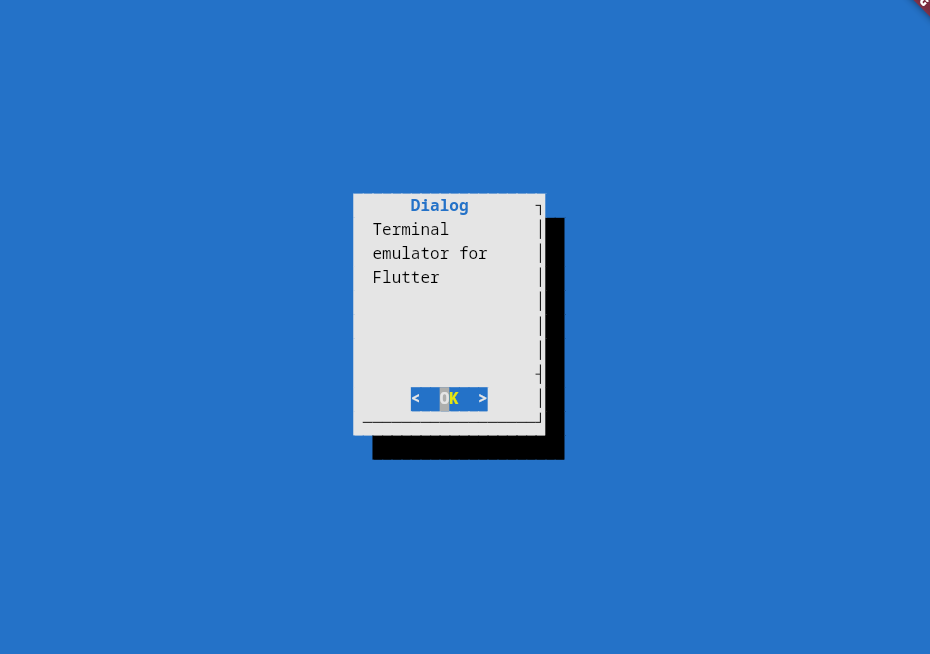
xterm.dart is a fast and fully-featured terminal emulator for Flutter applications, with support for mobile and desktop platforms.
This package requires Flutter version >=3.0.0
Screenshots
|
|
|
|
Features
- 📦 Works out of the box No special configuration required.
- 🚀 Fast Renders at 60fps.
- 😀 Wide character support Supports CJK and emojis.
- ✂️ Customizable
- ✔ Frontend independent: The terminal core can work without flutter frontend.
What's new in 3.0.0:
- 📱 Enhanced support for mobile platforms.
- ⌨️ Integrates with Flutter's shortcut system.
- 🎨 Allows changing theme at runtime.
- 💪 Better performance. No tree rebuilds anymore.
- 🈂️ Works with IMEs.
Getting Started
1. Add this to your package's pubspec.yaml file:
dependencies:
  ...
  xterm: ^3.2.6
2. Create the terminal:
import 'package:xterm/xterm.dart';
...
terminal = Terminal();
Listen to user interaction with the terminal by simply adding a onOutput callback:
terminal = Terminal();

terminal.onOutput = (output) {
  print('output: $output');
}
3. Create the view, attach the terminal to the view:
import 'package:xterm/flutter.dart';
...
child: TerminalView(terminal),
4. Write something to the terminal:
terminal.write('Hello, world!');
Done!
More examples
Write a simple terminal in ~100 lines of code: https://github.com/TerminalStudio/xterm.dart/blob/master/example/lib/main.dart
Write a SSH client in ~100 lines of code with dartssh2: https://github.com/TerminalStudio/xterm.dart/blob/master/example/lib/ssh.dart
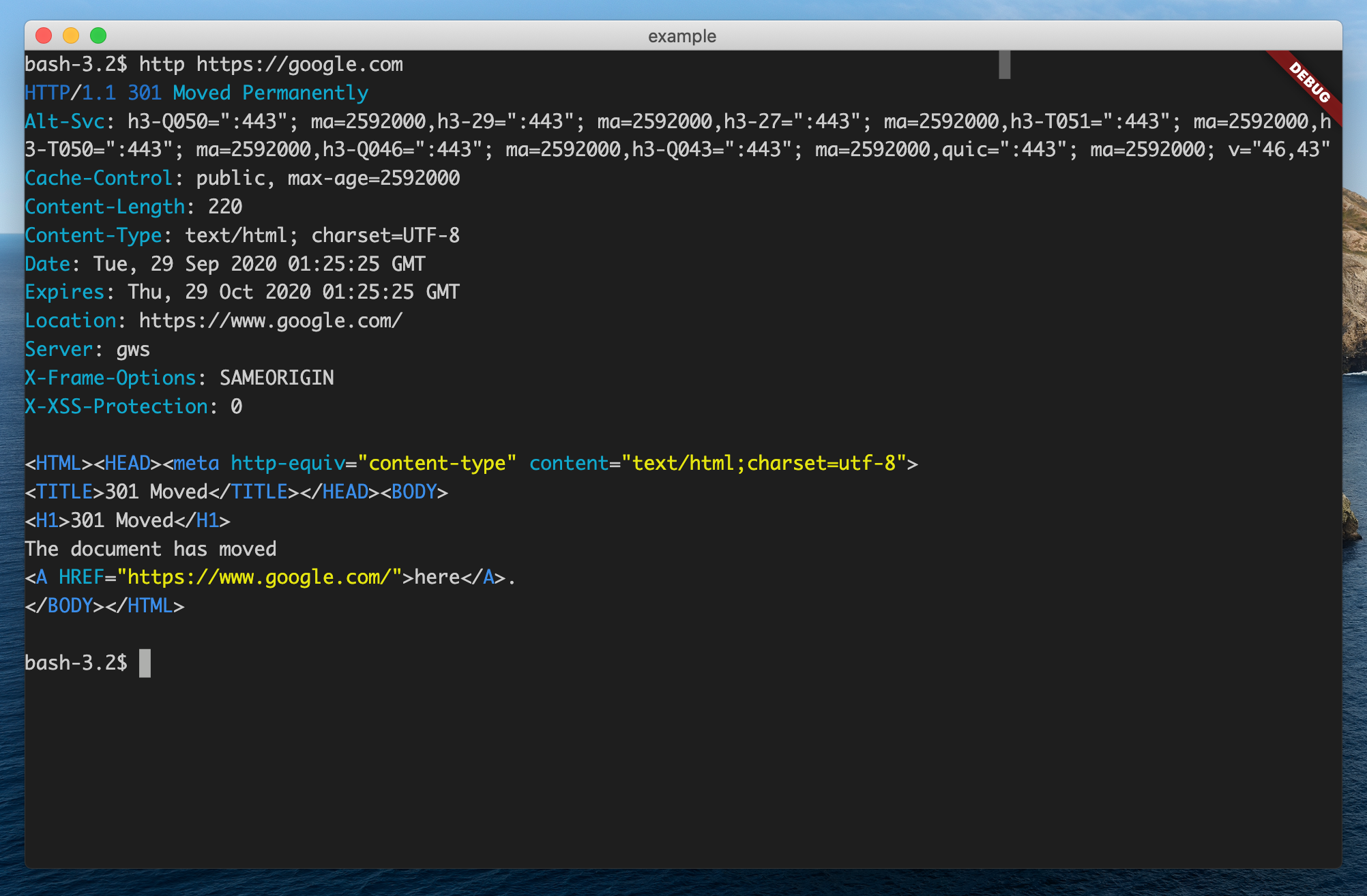
For a complete project built with xterm.dart, check out TerminalStudio.
Features and bugs
Please file feature requests and bugs at the issue tracker.
Contributions are always welcome!
License
This project is licensed under an MIT license.