
 xuty
bb911044b0
➕Update version
xuty
bb911044b0
➕Update version
|
hace 5 años | |
|---|---|---|
| example | hace 5 años | |
| lib | hace 5 años | |
| media | hace 5 años | |
| script | hace 5 años | |
| test | hace 5 años | |
| .gitignore | hace 5 años | |
| .metadata | hace 5 años | |
| CHANGELOG.md | hace 5 años | |
| LICENSE | hace 5 años | |
| README.md | hace 5 años | |
| pubspec.lock | hace 5 años | |
| pubspec.yaml | hace 5 años |
README.md
xterm.dart 1.0.0+ is available! 🎉
xterm.dart



xterm.dart is a fast and fully-featured terminal emulator for Flutter applications, with support for mobile and desktop platforms.
This package requires Flutter version >=1.22.0
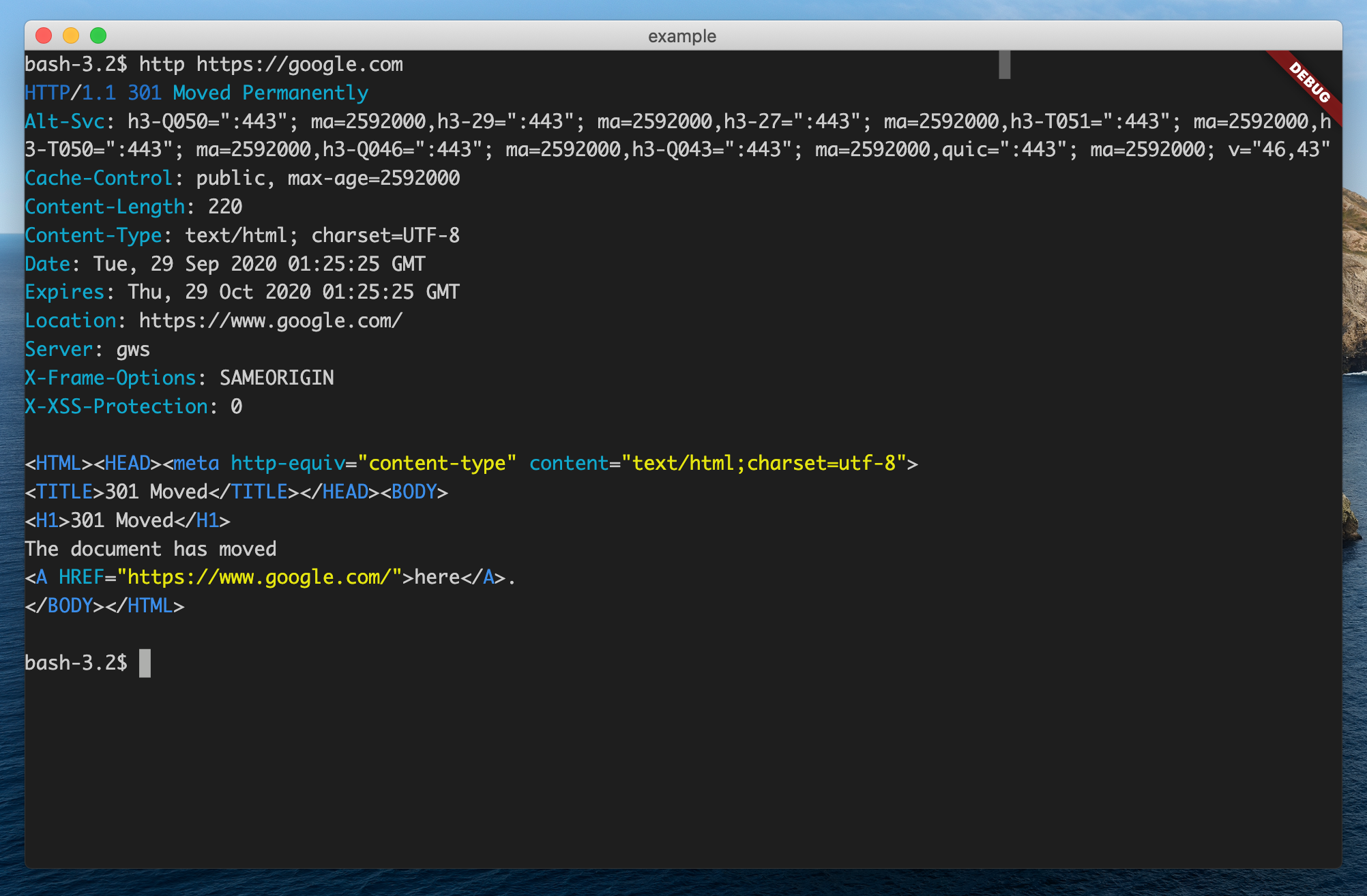
Screenshots
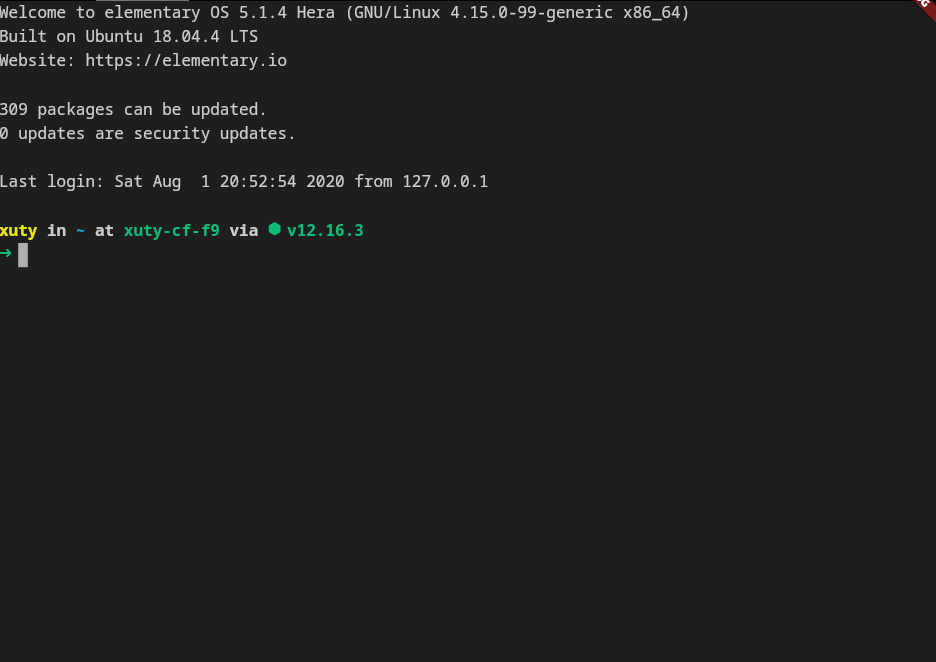
|
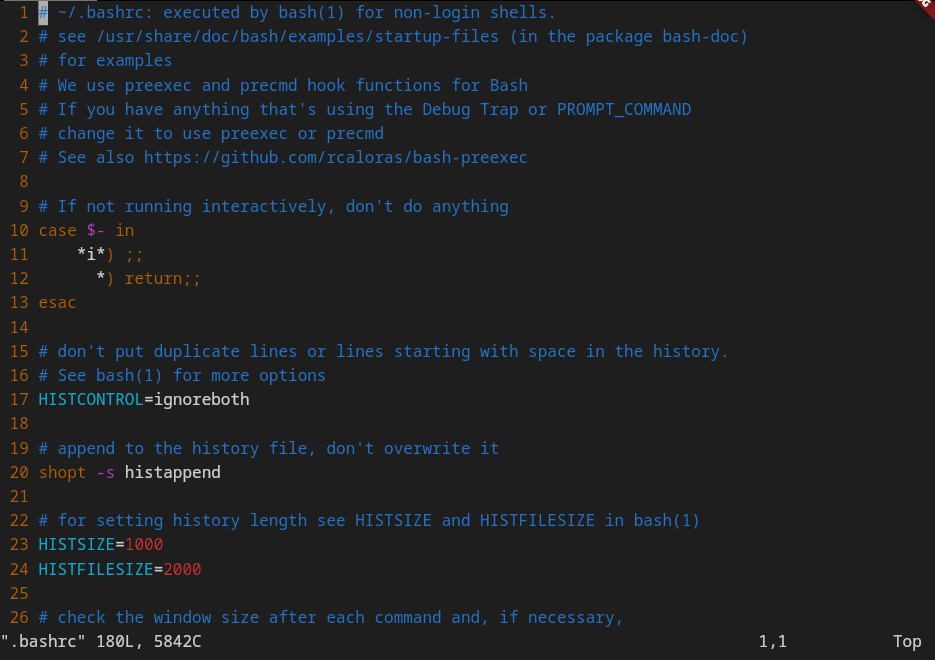
|
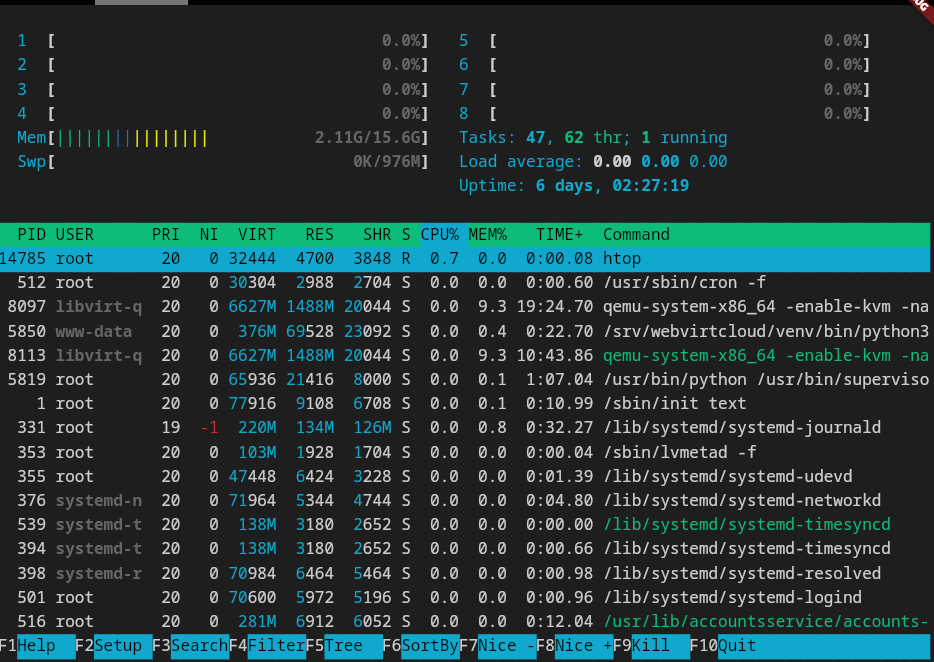
|
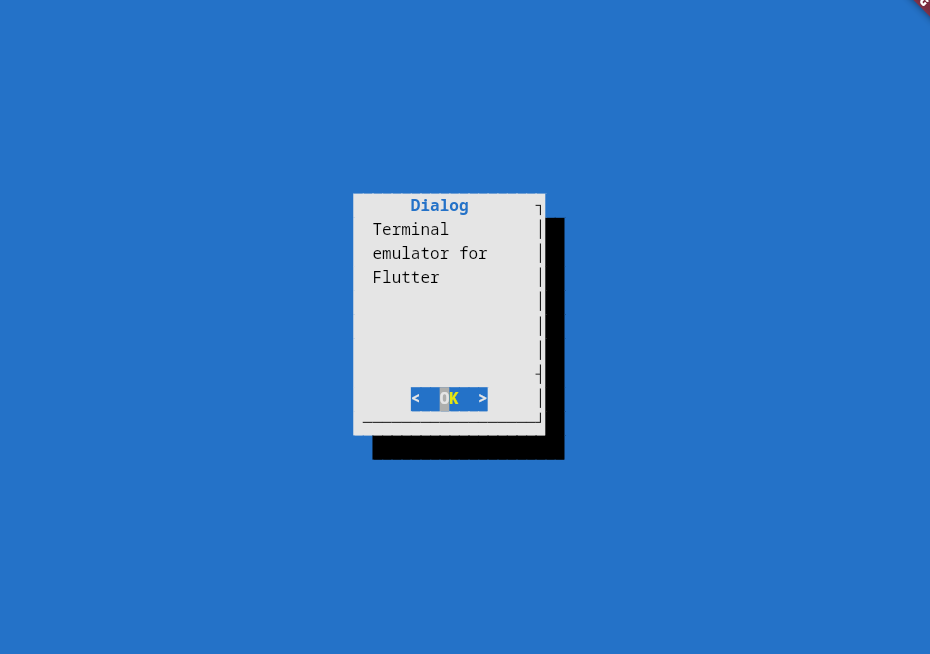
|
Features
- 📦 Works out of the box No special configuration required.
- 🚀 Fast Renders at 60fps.
- 😀 Wide character support Supports CJK and emojis.
- ✂️ Customizable
- ✔ Frontend independent: The terminal core can work without flutter frontend.
Getting Started
1. Add this to your package's pubspec.yaml file:
dependencies:
  ...
  xterm: ^1.1.0
2. Create the terminal:
import 'package:xterm/xterm.dart';
...
terminal = Terminal();
To listen for input, add an onInput handler:
terminal = Terminal(onInput: onInput);

void onInput(String input) {
 print('input: $input');
}
3. Create the view, then attach the terminal to the view:
import 'package:xterm/flutter.dart';
...
child: TerminalView(terminal: terminal),
4. Write something to the terminal:
terminal.write('Hello, world!');
Done!
Example
local pty example: Terminal Lite
ssh example: https://github.com/TerminalStudio/xterm.dart/blob/master/example/lib/ssh.dart
License
This project is licensed under an MIT license.